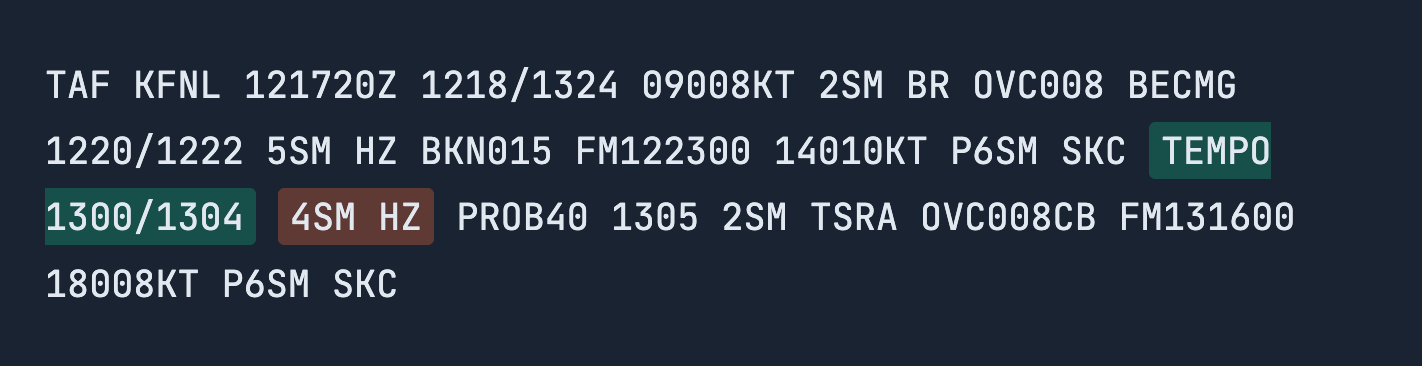
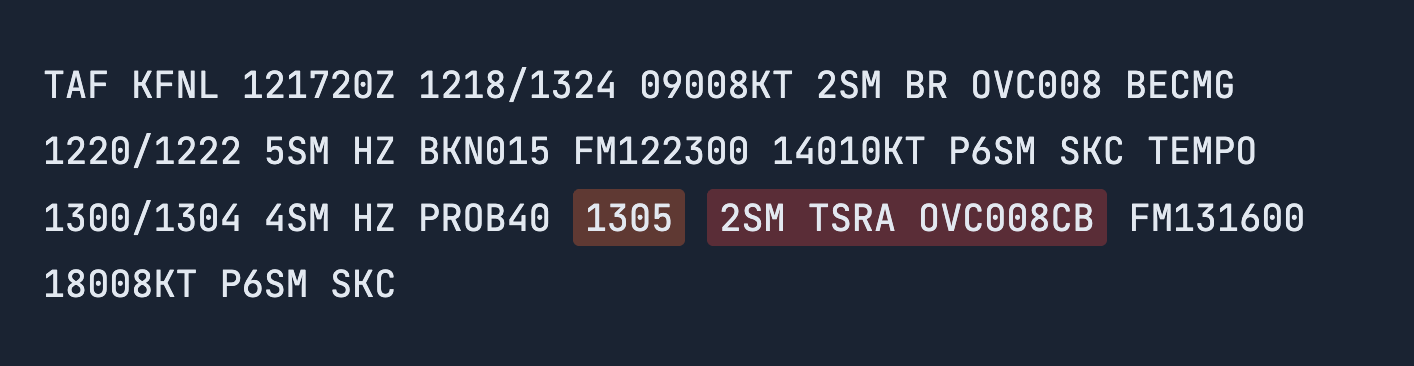
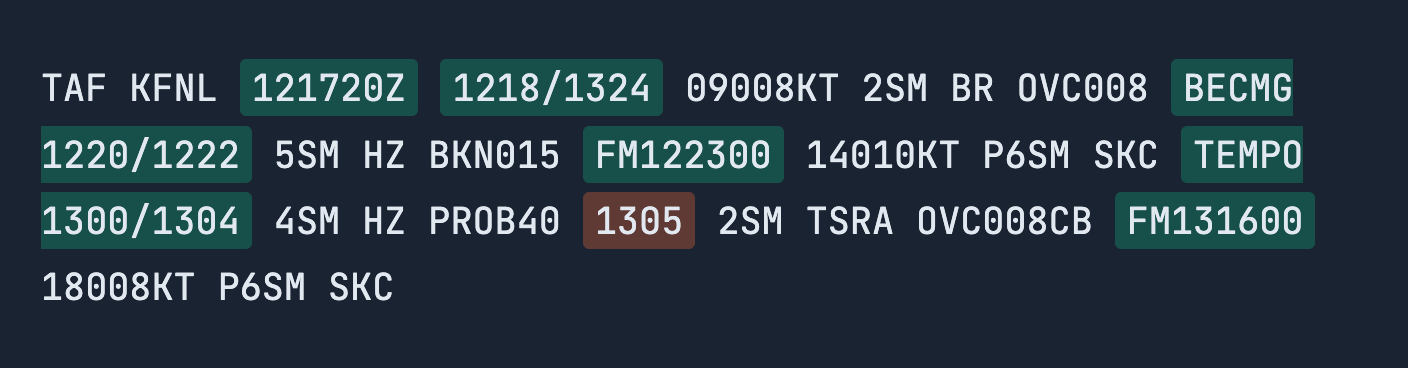
 Flight Planning Based on Timeline:
1. TAF Issue Time & Forecast Period
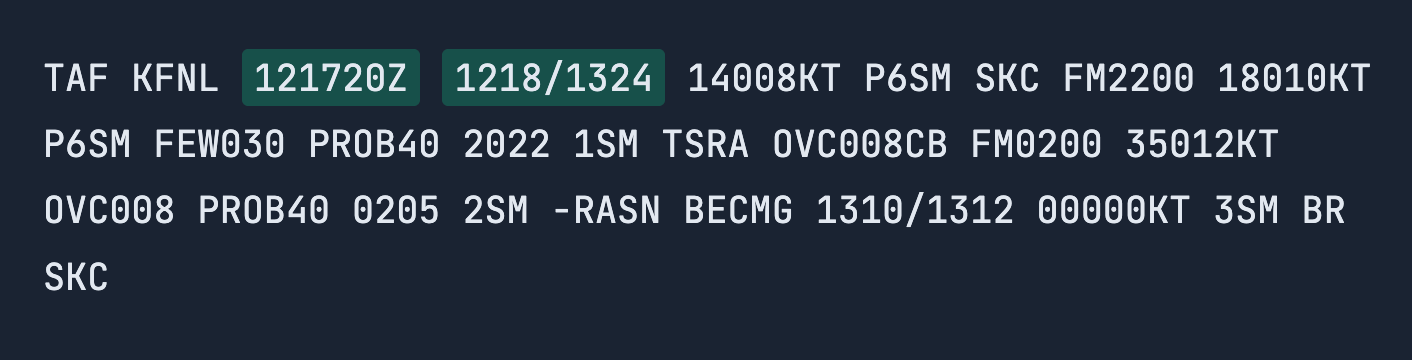
Before you can interpret any forecasted weather in a TAF report, you need to understand when the forecast was issued and the time window it applies to.
These two elements establish the timeline for the entire report. Once you know them, every other time reference in the TAF becomes easier to understand.
> Issue Time
When was this TAF report issued?
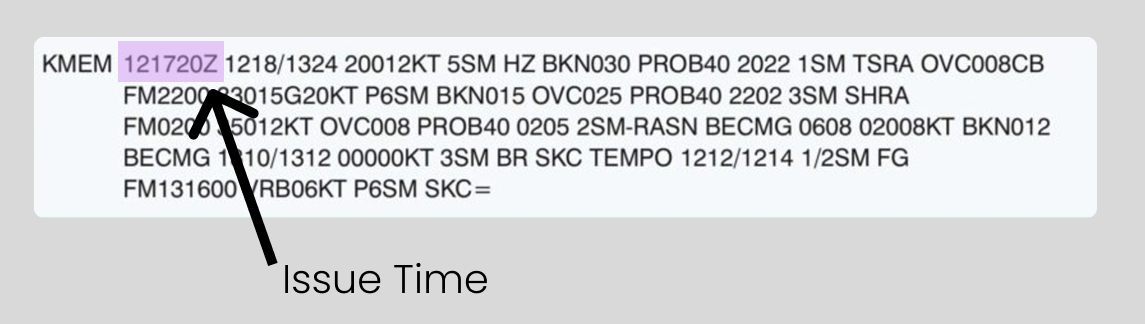
The first element you’ll see in a TAF report is the issue time. It’s displayed in the same format as a METAR issue time, using Zulu Time.
The issue time tells you when the TAF was published and marks the start point from which the 24–30 hour forecast period begins.
> Forecast Valid Period
During what time window is this forecast valid?
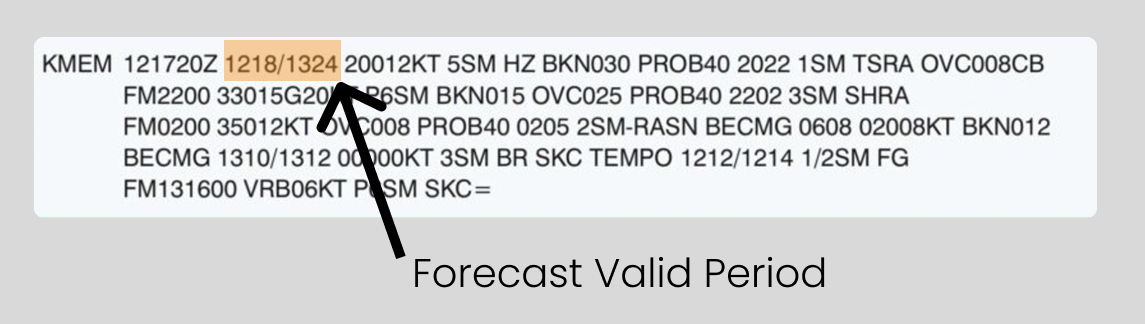
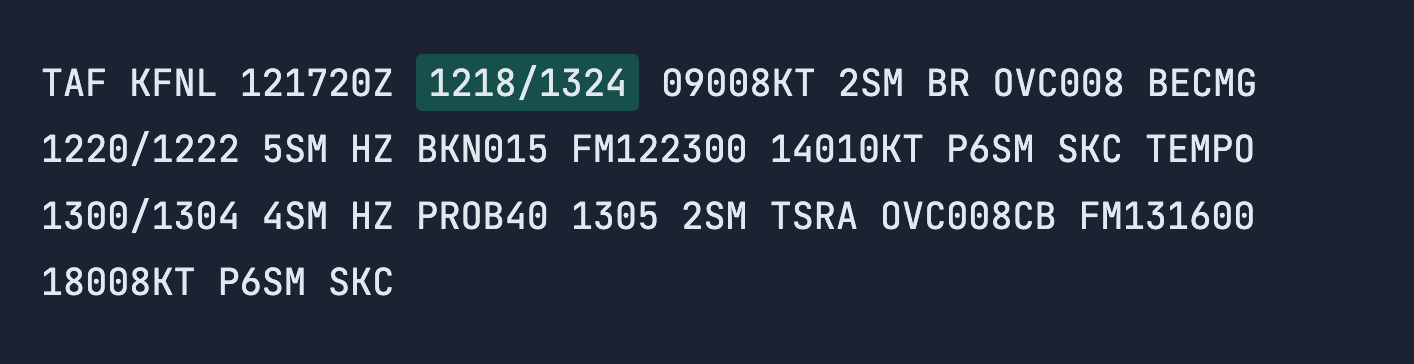
The Forecast Valid Period tells you when the forecasted weather applies. This is the overall time window during which the listed weather conditions are expected to occur.
The forecast valid period is shown as two Zulu times separated by a slash (/) and appears near the beginning of the TAF immediately after the issue time.
Using the example 1218/1324, the group follows the DDHH format:
2. TAF Time Indicators Within Forecast
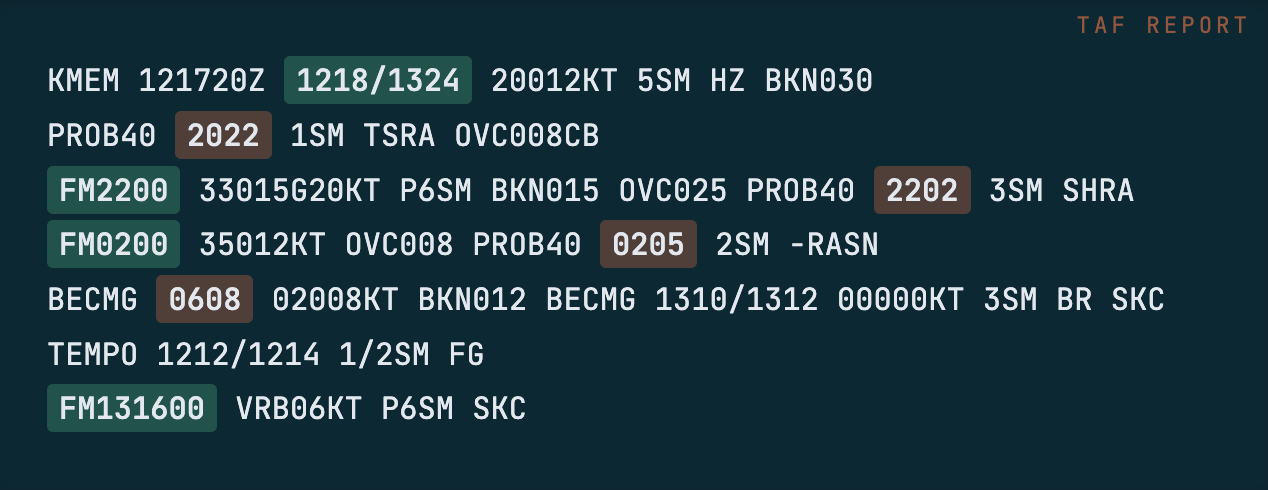
Once you understand the issue time and forecast valid period, the next time elements to understand are:
- Specific times (such as 2022) — exact moments when conditions apply
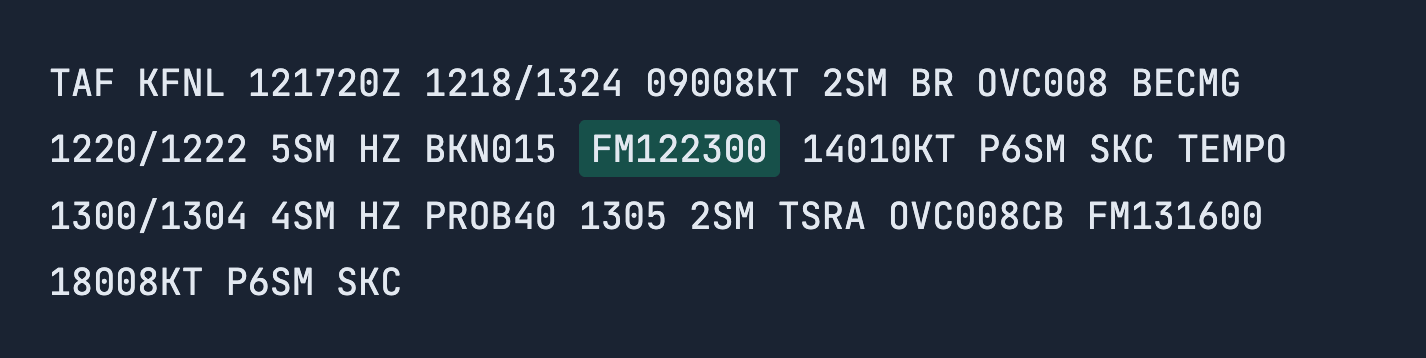
- FM (from) times — when new conditions begin (FM2200)
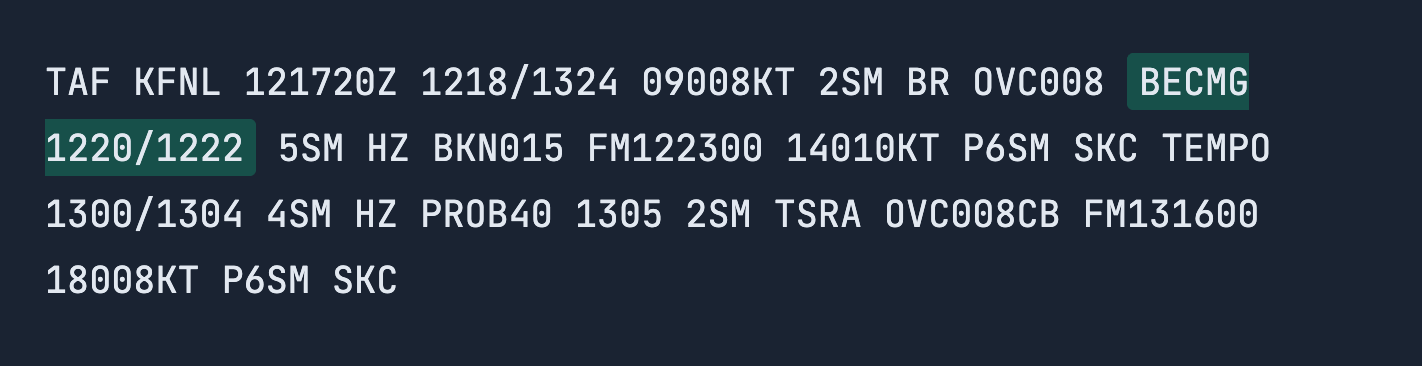
- BECMG (becoming) — gradual weather transitions
> Specific Time References
At what exact time do the following weather conditions apply?
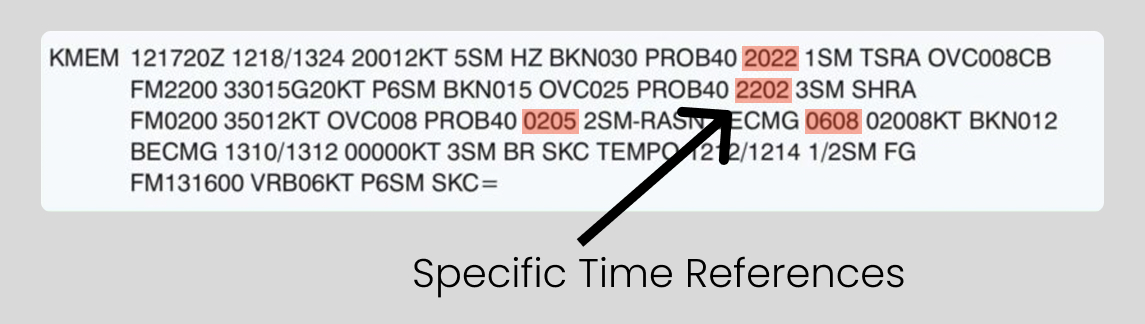
After the forecast valid period and any FM groups, you may see standalone four-digit Zulu times listed in the TAF, such as: 2022, 2202, 0205, 0608.
These are specific time references. They indicate the exact Zulu time when the weather conditions listed immediately after apply.
How to Read Them:
- Each four-digit time follows the format: HHMM (Zulu Time)
> Becoming Between (Gradual transition period)
During what time does the weather begin shifting?

BECMG means “becoming,” indicating a gradual, permanent change in weather conditions over a specified time period.
> From: New forecast conditions begin move the “from” section to go before the “becoming” section, same as you have them listed in the intro before “specific”
When do new forecast conditions begin?
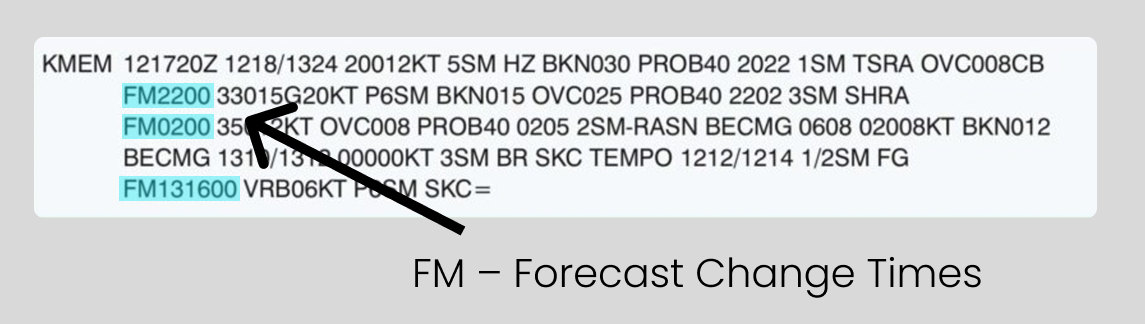
You’ll see FM listed in two common ways:
This difference exists because TAF reports cover the next 24–30 hours and often span more than one day.